Crop images for better composition
Try our easy-to-use cropping tools to cut any photo down to size to balance your designs or beautifully reframe your photography.
How to crop an image
Upload an image
Select the "Upload your image" button or easily drag and drop your files into the section.
Crop image
Choose the Crop tool to select and keep a particular part of your image, then enhance it using our photo editor.
Download your design
Finally, download your design in high-resolution JPG, PNG, or other file formats or share it instantly online.

Crop, cut, clip
Crop photos flawlessly. Choose from various aspect ratios like square or 3:2, rotate images with a slider or precise input, and create perfectly sized images for platforms like Facebook or YouTube.
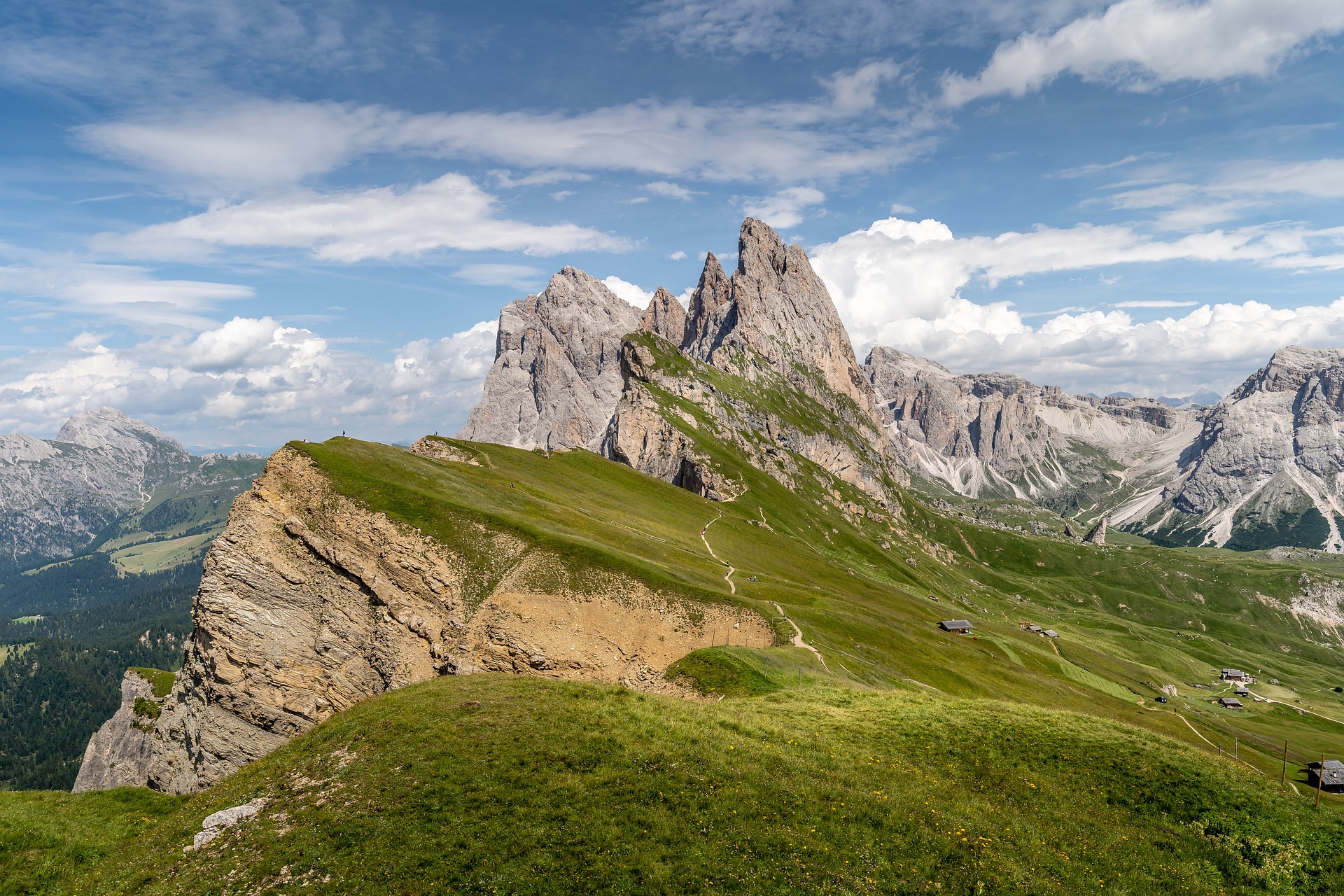
A smart way to crop
Smart Crop automatically determines the most aesthetically pleasing composition for your image, whether it's a portrait, landscape, or other scenario, ensuring perfect framing and visual appeal.
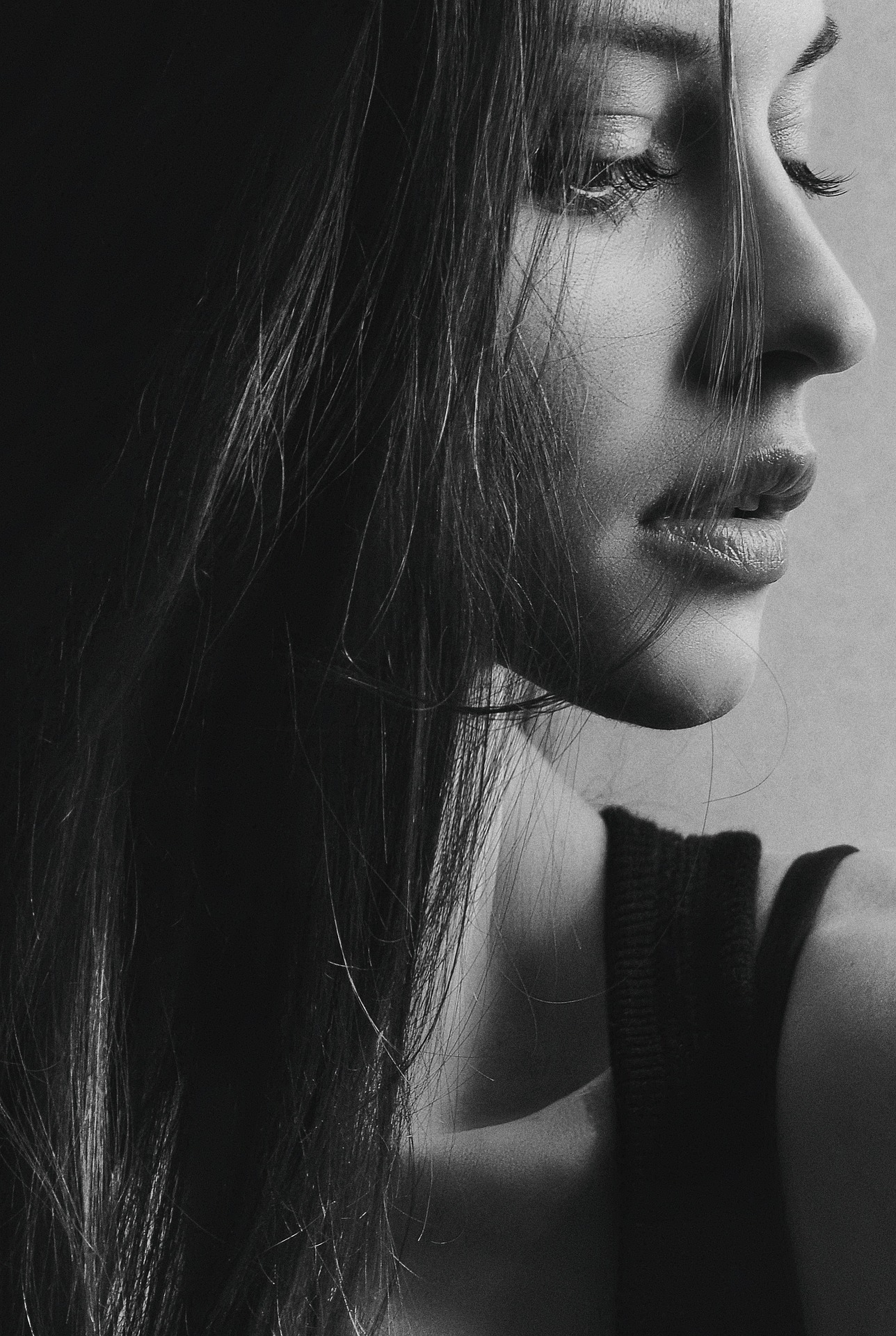
Every frame tells a story
Choose from a variety of frame shapes, including hearts, curves, and quirky designs, for creating scrapbook layouts or greeting cards. Move beyond conventional rectangular frames to artful ones, and drag a picture into a frame - we'll automatically crop it to fit.
Frequently asked questions
Perfect tool for creating circular profile pictures! I use it every day to crop my photos into perfect circles for Instagram and Facebook. The zoom and drag controls make it so easy to get the perfect round crop. Highly recommended!
@socialmediauser