Change the Aspect Ratio of Your Image Online
Our free tool makes image aspect ratio adjustments effortless. Choose from predefined ratios like 16:9, 4:3, or set your own. Crop and resize your images seamlessly.

Perfect Aspect Ratios for Every Purpose
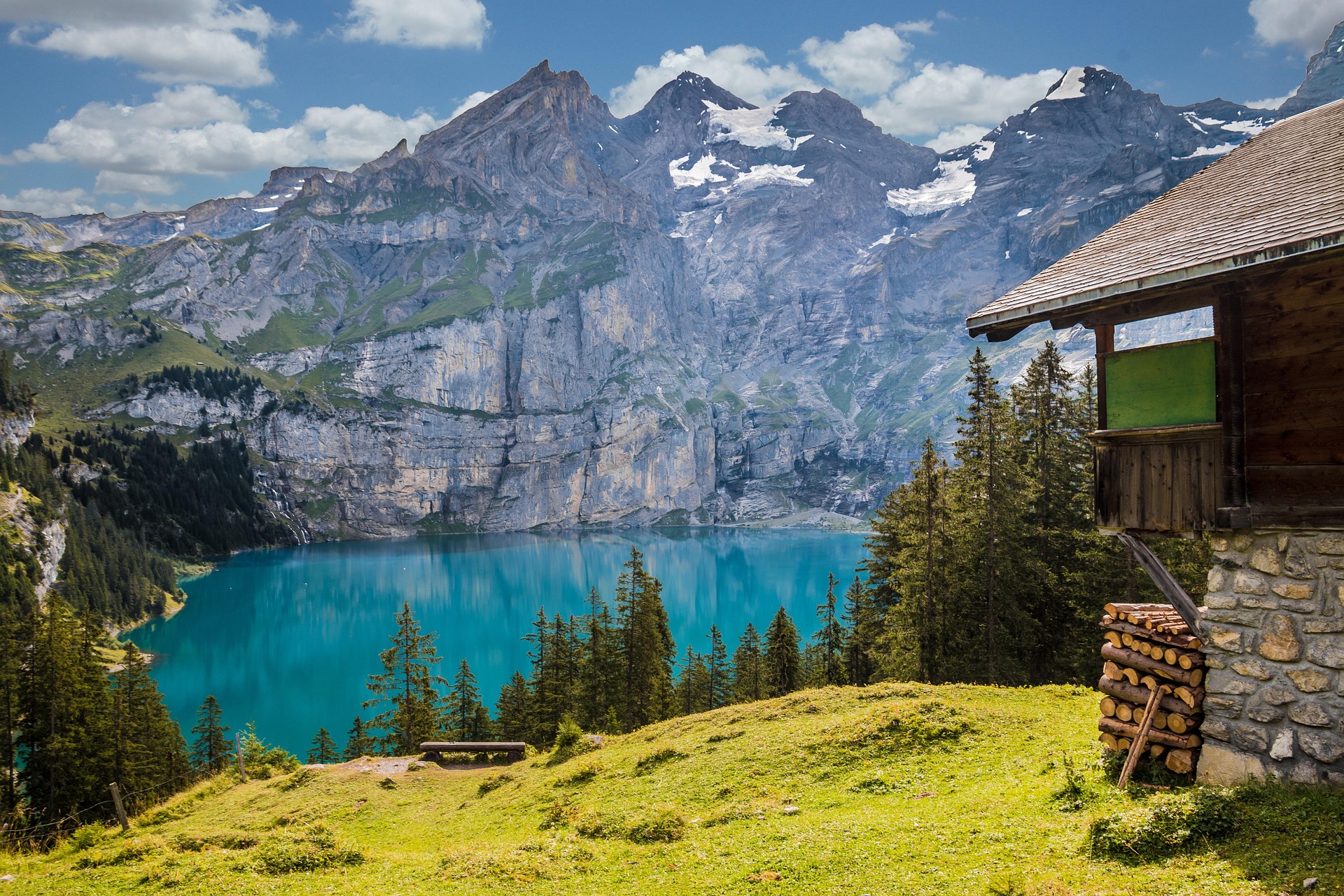
See how different aspect ratios transform your images for different platforms and uses
16:9 Converter - Widescreen Aspect Ratio Changer
Use our 16:9 converter to transform your images into widescreen format. Perfect for videos, presentations, and landscape photography. This aspect ratio calculator helps you achieve the perfect 16:9 ratio.
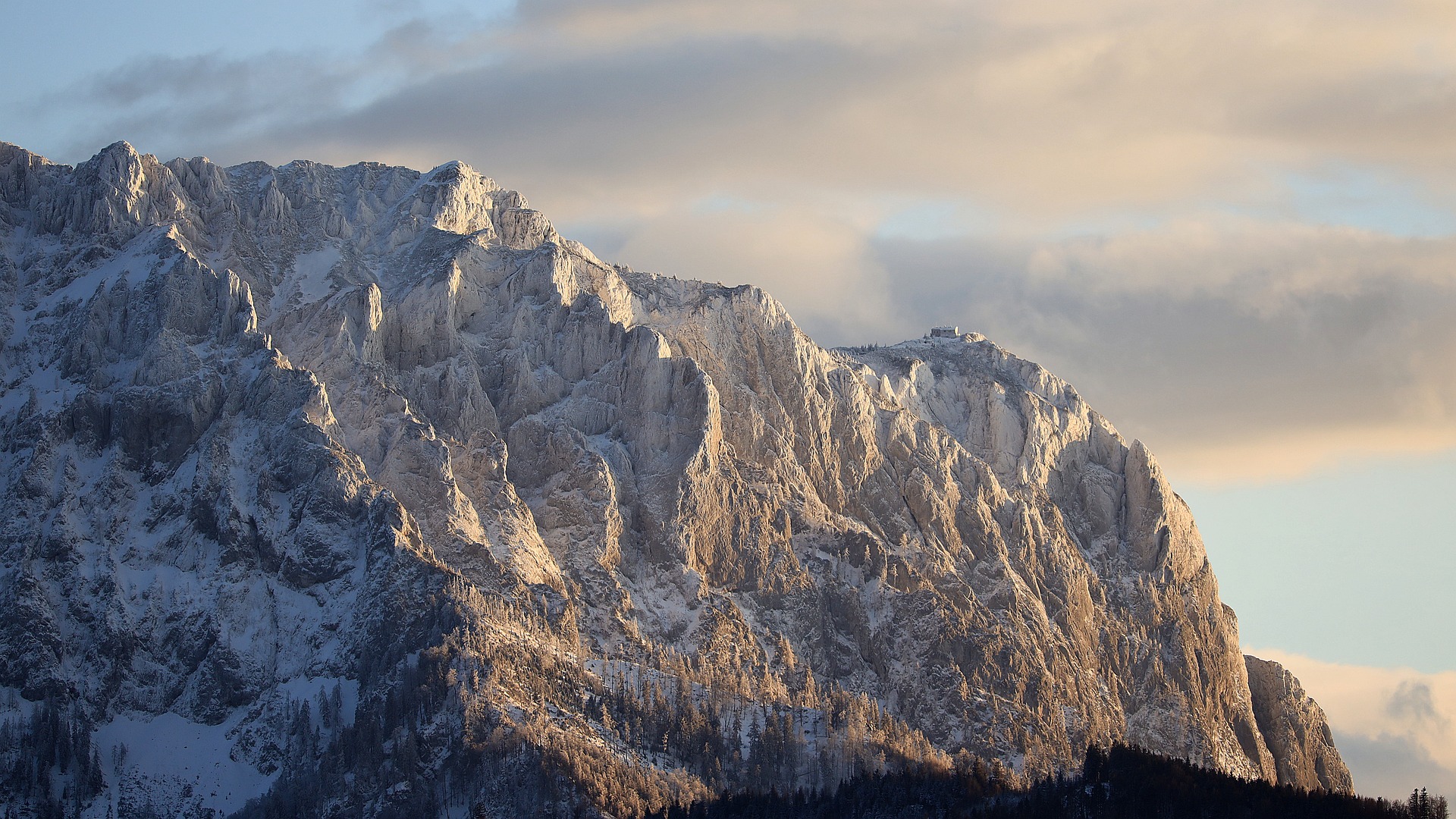
4:3 Standard - Image Aspect Ratio Changer
Our aspect ratio calculator converts images to 4:3 standard format. Ideal for traditional photography and classic displays. Use this image aspect ratio changer for professional results.
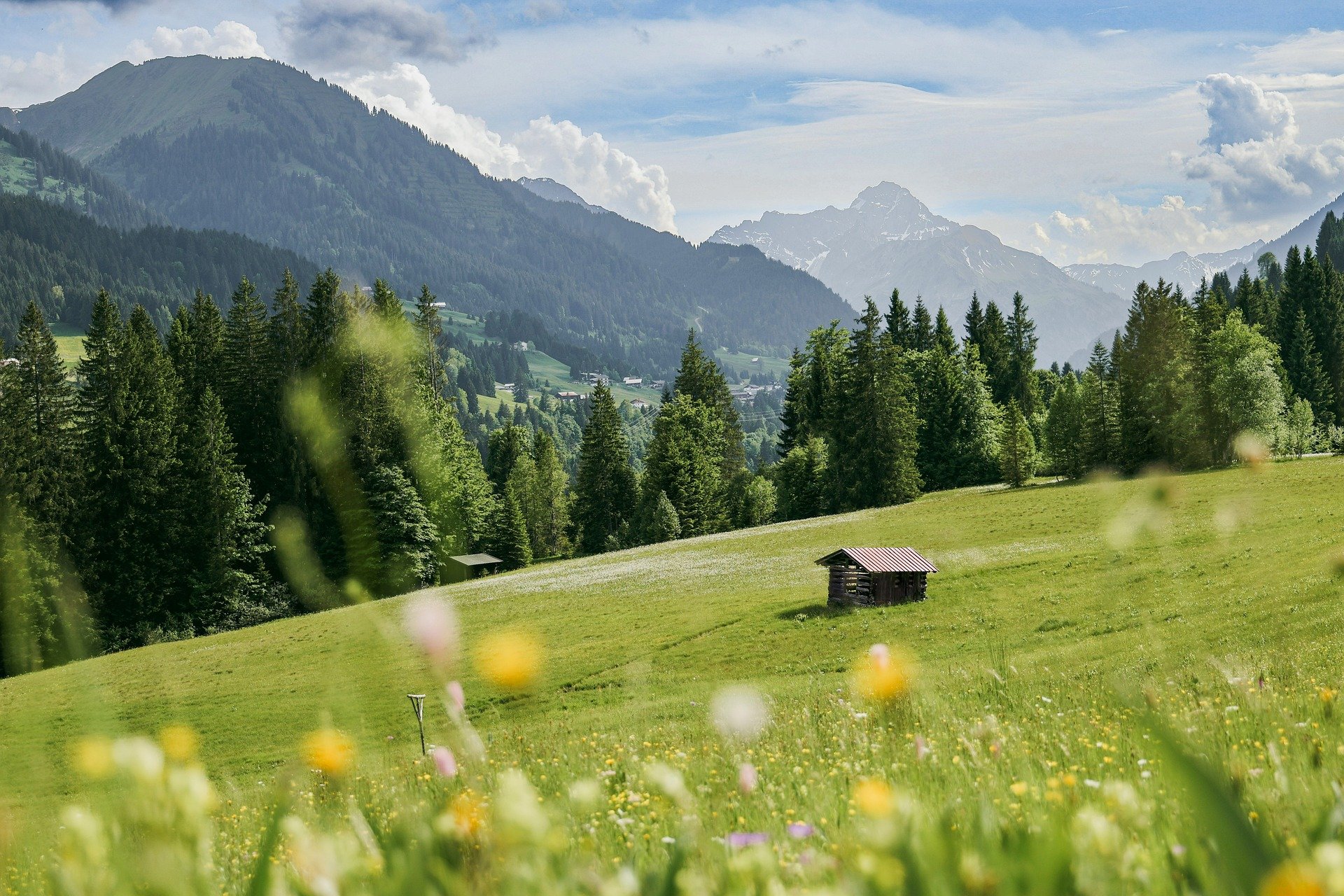
1:1 Square - Aspect Ratio Calculator
Transform images to 1:1 square format with our aspect ratio calculator. Perfect for social media posts and profile pictures. This image aspect ratio changer ensures perfect square crops.
How to Change the Aspect Ratio of an Image
Follow these simple steps to adjust your image aspect ratio
Select your image
Select your image or drop it into the grey area
Set aspect ratio
Set a predefined aspect ratio or define a custom one
Move and resize
Move and resize the cropping layer in the preview
Download
Click Download to get your adjusted image
Aspect Ratio Changer FAQ
Find answers to common questions about our aspect ratio changer tool